Business Central for retail and ecommerce businesses selling in store and online
Business Central for retail and ecommerce keeps one version of stock, price and margin across every place you sell. We set it up for retailers, online brands and firms that sell both ways. So a sale in a store, on a web shop or through a marketplace draws from the same stock. It also lands in the same ledger.
Last updated
One stock picture for retail and ecommerce in Business Central
Every store, back room and warehouse is a location in Business Central. Transfer orders move stock between them. Buyers see sales and stock by location. So they can rebalance slow and fast sellers before a store runs out.
Item variants handle sizes, colors and styles. You do not need a separate item for each mix. So the catalog stays easy to manage as ranges grow.
Map your stores →
- ✓Location per store and warehouse
- ✓Transfers between sites
- ✓Variants for size and color
- ✓Reorder rules per location
- ✓Stock value by store
Point of sale connected for retail and ecommerce
Business Central has no point of sale screen of its own. Stores use a POS system that connects to it. That can be a retail POS app built for Business Central. Or it can be your current till, linked through its own tools. Either way, daily sales, payments and stock moves post without typing.
First we look at how many stores and tills you run. Then we check your payment providers and whether staff need offline selling. After that we suggest the link that fits. We do not pick the one with the longest feature list.
Talk about your tills →- ✓Retail POS apps for Business Central
- ✓Existing POS through integration
- ✓Daily sales posted automatically
- ✓Payments matched to the bank
Web orders for retail and ecommerce fulfilled from one stock
The Shopify connector from Microsoft syncs products, prices, stock and orders with Business Central. Orders arrive as sales documents, ready to pick and ship. Stock levels flow back. So the shop does not sell what you do not have.
Other platforms and marketplaces connect through apps or the Business Central APIs. We plan the flow of orders, refunds and payouts. So finance can match each channel without a spreadsheet.
Connect your web shop →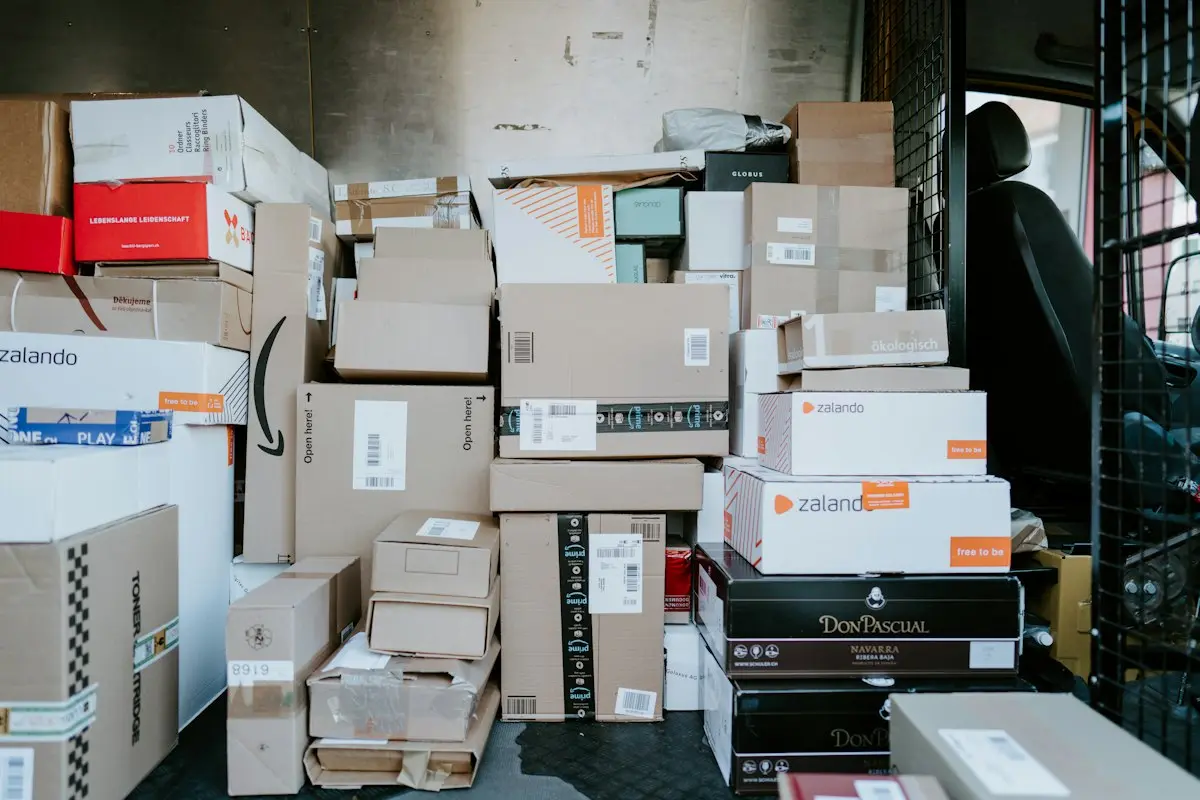
- ✓Shopify connector from Microsoft
- ✓Products, prices and stock synced
- ✓Orders as sales documents
- ✓Refunds and payouts reconciled
- ✓Other channels through APIs
Retail and ecommerce returns handled in Business Central
Sales return orders bring goods back into stock. Or they send goods to a returns location for a check. A credit memo then reverses the revenue the right way. Reason codes show why customers send things back. That is useful feedback for buyers.
For online returns, you can match refunds made in the shop to the credit in Business Central. So the customer balance and the bank agree.
Tidy up your returns →- ✓Sales return orders
- ✓Returns location for checks
- ✓Credit memos
- ✓Reason codes on returns
Dated prices and promotions for retail and ecommerce in Business Central
In Business Central, price lists carry start and end dates for both retail and ecommerce channels. So a seasonal price or a sale is set up early and ends by itself. Customer groups let loyalty or trade buyers see different prices from the public.
Margin reports then show how each promotion changed profit. They do not show sales volume alone. So you plan the next promotion on facts.
Plan your pricing →
- ✓Dated price lists
- ✓Sale prices that end on their own
- ✓Customer group prices
- ✓Margin by promotion
Questions from retailers and online sellers
Is Business Central for retail and ecommerce a good fit for a store group?
Yes, as the back office for stock, buying, pricing and finance. Stores connect a POS system to it, since Business Central has no POS of its own. Then sales, payments and stock moves post to one ledger. So the head office sees every store in one place, and buyers plan from the same facts.
Does Business Central connect to Shopify?
Yes. Microsoft gives you a Shopify connector. It syncs products, prices, stock and orders between the two systems. So web orders arrive ready to ship, and stock counts flow back to the shop. We set up the mapping and test it with real orders before you go live.
Can Business Central handle sizes and colors?
Yes. Item variants show sizes, colors or styles under one item. Each variant has its own stock. So a buyer can see which size is low without scanning a long list. Reports can still roll the variants up to the main item when you need the big picture.
How does Business Central handle marketplace sales?
Marketplaces connect through apps or the Business Central APIs. Orders, fees and payouts post to the ledger. So each channel can be matched to its bank deposits. We plan the accounts for fees and refunds first. Then finance can see true margin for each channel.
Can we run retail and ecommerce promotions in Business Central?
Yes. Price lists and line discounts with start and end dates handle most promotions. They end on their own. For more complex retail offers, such as bundles, you add a retail app. We look at your plans for the year first. Then we say which tool fits.
Book a discovery call
Let's talk through your move to Business Central.
A focused call with a senior consultant. We learn how your business runs today, give you an honest view on whether Business Central fits, and outline scope and next steps before you commit to anything.
What happens after you send the form