Business Central migration consultant for GP, NAV, QuickBooks and Sage
A Business Central migration consultant earns their fee in the reconciliation, not the upload. We move your customers, vendors, items, open documents and the history you still need out of Dynamics GP, NAV, QuickBooks or Sage. Then your finance team signs off on every balance before the old system is switched off.
Last updated
Moving from Dynamics GP with a Business Central migration consultant
Microsoft ships a cloud migration tool. It replicates GP master records, open transactions and summarized history into Business Central online. We plan which companies move and which GP modules map cleanly. Some need a different approach. Then we run the tool in a sandbox first.
GP users are often attached to reports built over many years in SmartList or Management Reporter. We list the ones people actually open. Then we rebuild them as financial reports, Excel layouts or Power BI. So nothing important disappears on the first day.
Plan a GP move →
- ✓Company and module inventory
- ✓Cloud migration tool runs in a sandbox
- ✓Summarized and detailed history choices
- ✓SmartList reports rebuilt
- ✓GP roadmap for the retirement
Upgrading NAV with a Business Central migration consultant, minus old code
NAV databases usually carry years of changes written in C/AL, which Business Central no longer runs. The usual path is a technical upgrade through Business Central on-premises. Then the cloud migration tool moves the data into the online tenant.
Before that, we sort every modification into three piles. Many are now standard in Business Central. Others are still needed, so we rewrite them as an AL extension. A few are no longer used, and we drop them. That sorting is often where most of the savings come from.
Get a NAV upgrade plan →- ✓Modification inventory
- ✓Standard feature matches
- ✓AL extensions for what is left
- ✓Upgrade through BC on-premises
- ✓Cloud migration to the online tenant
Leaving QuickBooks or Sage when the business has outgrown it
Companies coming from QuickBooks or Sage usually need a fresh chart of accounts with dimensions. A copy of the old list rarely helps. So we design the new structure first. Then we map every old account and class onto it. Reports still tie back to what your accountant knows.
Business Central includes data migration assistants for QuickBooks and some other sources. We use them where they fit. Where the data needs cleansing or reshaping on the way in, we use configuration packages instead.
Talk about your move →
- ✓Customers, vendors and items
- ✓Open invoices and bills
- ✓Opening balances by period
- ✓Inventory quantities and costs
- ✓Old accounts mapped to the new chart
Every balance reconciled before the switch
We run at least one full trial migration. Then we compare the trial balance, receivables, payables and inventory value against the old system, line by line where needed. We trace each difference to a cause and fix it at the source. We do not adjust it away with a journal.
Where risk is high, the two systems can run in parallel for a period. Your team compares results before the old one is locked. The final cutover then happens over a planned weekend. A Business Central migration consultant should make that weekend dull.
Ask about a trial migration →- ✓Trial balance matches
- ✓Aged receivables and payables match
- ✓Inventory value matches
- ✓Open orders carried over
- ✓Finance lead signs off
Deciding how much history comes with you
Bringing every old transaction across is slow and rarely useful. Most clients move summarized history by period. They add full detail for open items. Then they keep the old database read-only for audits and lookups.
We agree that line with your controller and your outside accountant early. It changes the size of the project more than any other single decision. So it gets settled before any data is mapped.
Scope your history →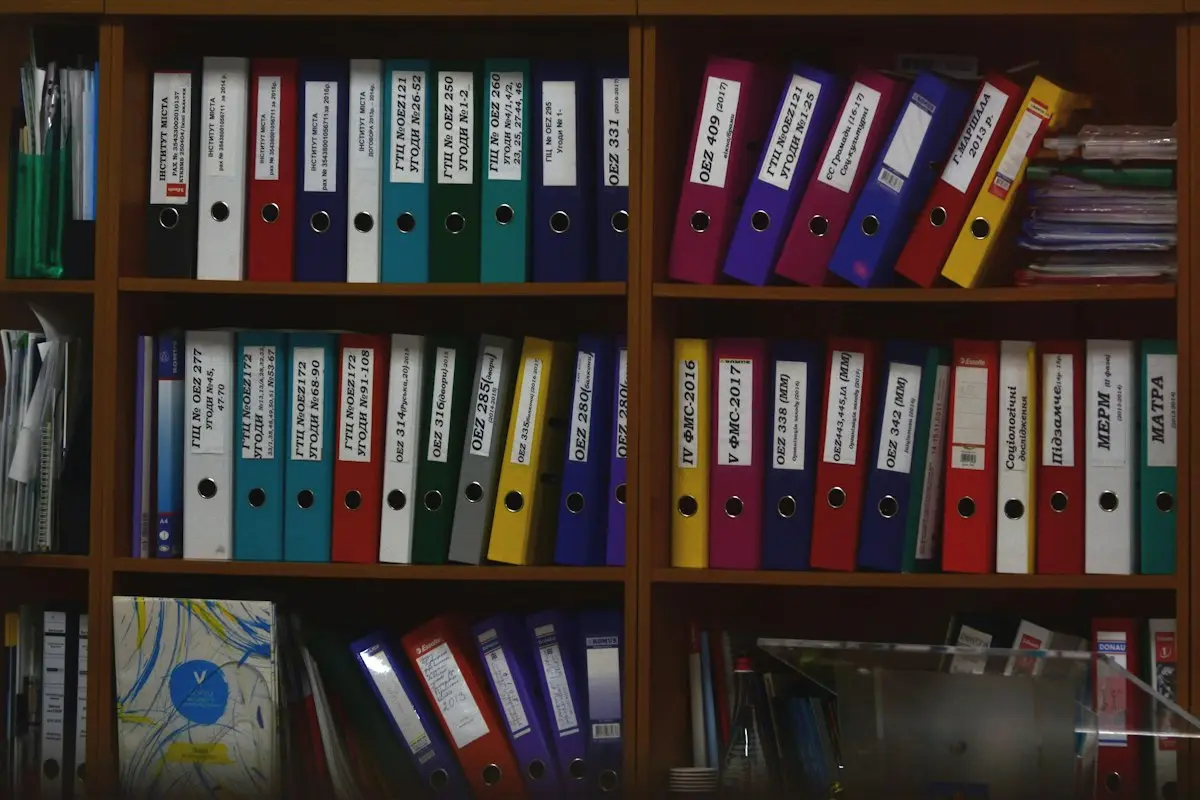
- ✓Summarized history by period
- ✓Full detail for open documents
- ✓Old system kept read-only
- ✓Archive exported for auditors
Business Central migration consultant questions
What does a Business Central migration consultant do?
They plan and run the move of your data and processes from an older system into Business Central. Then they prove the numbers match. The technical load is only part of it. The mapping, cleansing and reconciliation are the rest. We also train your team and stay close through the first close in the new system.
Is Dynamics GP going away?
Microsoft has announced an end to GP updates and support on a published timeline. Many GP customers are moving now. That way, they can plan the change and not rush it. We can walk you through the dates that apply to your version. Then we agree a sensible order for the move with your finance team.
Can our old NAV customizations come across?
Not as they are. Business Central uses AL extensions instead of changes to the base code. So anything still needed is rewritten. Much of what NAV sites customized is now standard. So the list is usually shorter than expected. We sort the list with your team, and each item gets a clear decision before work starts.
Will a Business Central migration lose our transaction history?
No. You choose how much comes across. The rest stays readable in the old system or in an export. Most companies bring summarized history plus full detail on open items. Your auditors can still find old entries when they ask. We write down where each piece of history lives, so nobody has to hunt for it later.
Can we migrate and implement new processes at once?
Yes, and it is often the better choice. We treat the move as an implementation with a migration inside it. So the new processes and the new data land together. Your team learns one new way of working, not two. A Business Central migration consultant plans both strands as one project.
Book a discovery call
Let's talk through your move to Business Central.
A focused call with a senior consultant. We learn how your business runs today, give you an honest view on whether Business Central fits, and outline scope and next steps before you commit to anything.
What happens after you send the form