Business Central for automotive parts suppliers and distributors
Business Central for automotive parts has to cope with long customer schedules, thousands of part numbers and a steady flow of returns. We set it up for tier suppliers, aftermarket distributors and parts businesses that serve workshops. Schedules, catalogs, stock and warranty returns then sit in one system, with the finance behind them.
Last updated
Business Central for automotive parts: customer schedules
Blanket sales orders hold the agreed quantity and price for a part over a period. Each release becomes a sales order drawn from the blanket. Planning sees the full schedule. So production and purchasing prepare for demand before the release arrives.
Most vehicle makers and large tier suppliers send schedules and ship notices by EDI. Business Central does not include EDI itself. So we connect an EDI app from Microsoft's marketplace. It turns incoming messages into orders and sends ship notices back.
Map your customer schedules →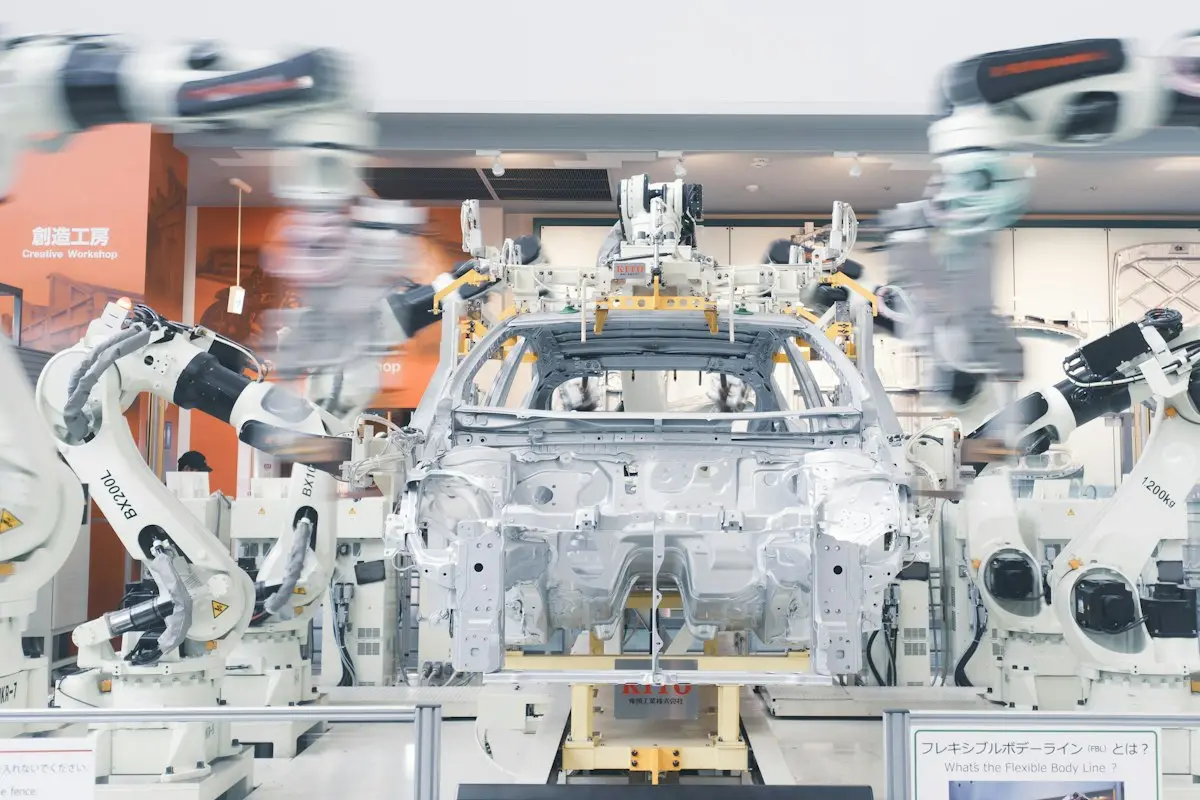
- ✓Blanket orders per part and customer
- ✓Releases drawn from the blanket
- ✓Planning on the full schedule
- ✓EDI app for orders and ship notices
- ✓Packing and labels on shipment
Parts production with lot and serial control
Suppliers who make parts use production orders, routings and bills of materials. They record lot or serial numbers at each step. Say a customer complains about a batch. You can trace it to the material lot and the production order that made it.
Also, engineering changes use BOM and routing versions with effective dates. A revised part then goes into production on the agreed date. Meanwhile, older stock gets used up first. That keeps scrap low and customers happy.
Talk through production →- ✓Production orders and routings
- ✓Lot or serial tracking
- ✓Dated BOM and routing versions
- ✓Traceability to material lots
A parts catalog that finds the right part fast
Item references store customer part numbers, supplier numbers and barcodes against your own item. So an order that quotes the customer's number finds the right part. Item substitutions point staff to an alternative when a part is out of stock or has been superseded.
Item attributes such as make, model, fitment or size help too. Counter staff and buyers can filter a large catalog without memorizing codes. That makes Business Central for automotive parts quick to use at the counter and on the phone.
Clean up your catalog →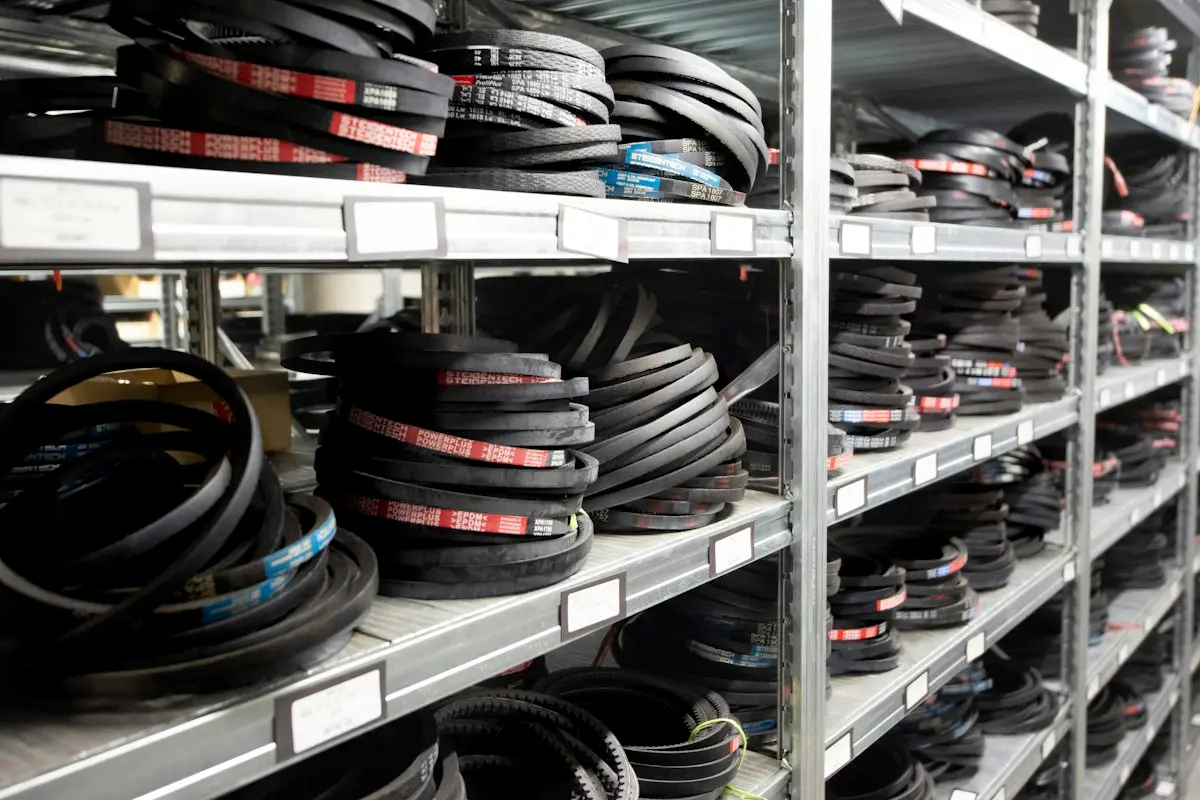
- ✓Customer and supplier part numbers
- ✓Barcodes as item references
- ✓Substitutions for superseded parts
- ✓Attributes for fitment and size
- ✓Search by any reference
Stock where the orders are
Distributors with several branches keep each one as a location. They move stock with transfer orders and set reorder rules for each branch. Fast-moving parts can come from a central warehouse. Slow movers stay in one place and ship on demand.
Also, inventory reports by movement and age show where money sits in parts that rarely sell. That is where most parts businesses find cash. Business Central for automotive parts makes those reports easy to run each month.
Plan your stock →- ✓Branches as locations
- ✓Transfers from a central store
- ✓Reorder rules per branch
- ✓Aging and slow movers
Warranty returns and cores tracked properly
Sales return orders with reason codes separate warranty claims, wrong parts and damage. A returns location keeps them apart from sellable stock until someone checks them. You raise claims against suppliers as purchase return orders linked to the original lot.
Also, you can handle core charges on remanufactured parts with a separate core item on the sales line. Then you credit it when the old core comes back. For workshops, the Service Management module covers repairs and service items.
Tidy up returns and cores →
- ✓Return reasons for warranty and damage
- ✓Returns location for inspection
- ✓Supplier claims as purchase returns
- ✓Core charges and credits
- ✓Service orders for workshops
Questions about Business Central for automotive parts
Is Business Central used by automotive suppliers?
Yes. Parts makers and distributors use Business Central for blanket orders, production, lot tracking, large catalogs and returns. They usually add an EDI app for customer schedules. The finance side then runs from the same data. So a release from a customer turns into a sales order, a production plan and an invoice without retyping. We help you set up each step and test it with a real schedule.
Does Business Central support automotive EDI?
Not natively. EDI apps from Microsoft's marketplace connect to Business Central. They handle schedules, orders and ship notices with your customers. Each customer may use its own message formats and labels. So we start with your most important customers and test their messages first. Then we add the others one by one, with no gap in shipping while we do it.
Can Business Central store customer part numbers?
Yes. Item references hold customer and supplier part numbers and barcodes for each item. So you can enter orders using them. That means a clerk can type the number the customer uses and still land on your own item. It also lets you print the customer's number on labels and invoices. We load your cross-reference list into the system as part of the setup.
How does Business Central handle superseded parts?
Item substitutions link a part to its replacements. So staff get offered the alternative when they order the old number. You can set the substitution to show on screen at order entry. That helps counter staff and buyers avoid dead stock and wrong orders. We help you load the supersession list and keep it current as new changes arrive from your suppliers.
Can Business Central handle core charges?
Yes, with a practical setup. You add a core item to the sale. Then you credit it when the customer returns the core. Specialist apps exist for businesses with heavy core volumes. We look at your volume first. If the simple setup is enough, we keep it. If not, we help you choose an app and connect it to your items.
Book a discovery call
Let's talk through your move to Business Central.
A focused call with a senior consultant. We learn how your business runs today, give you an honest view on whether Business Central fits, and outline scope and next steps before you commit to anything.
What happens after you send the form